Zapeera replaces the register, the stock notebook and the spreadsheet. Eight connected pieces cover the counter, the stock room, your team and your accounts — here's each one in detail.
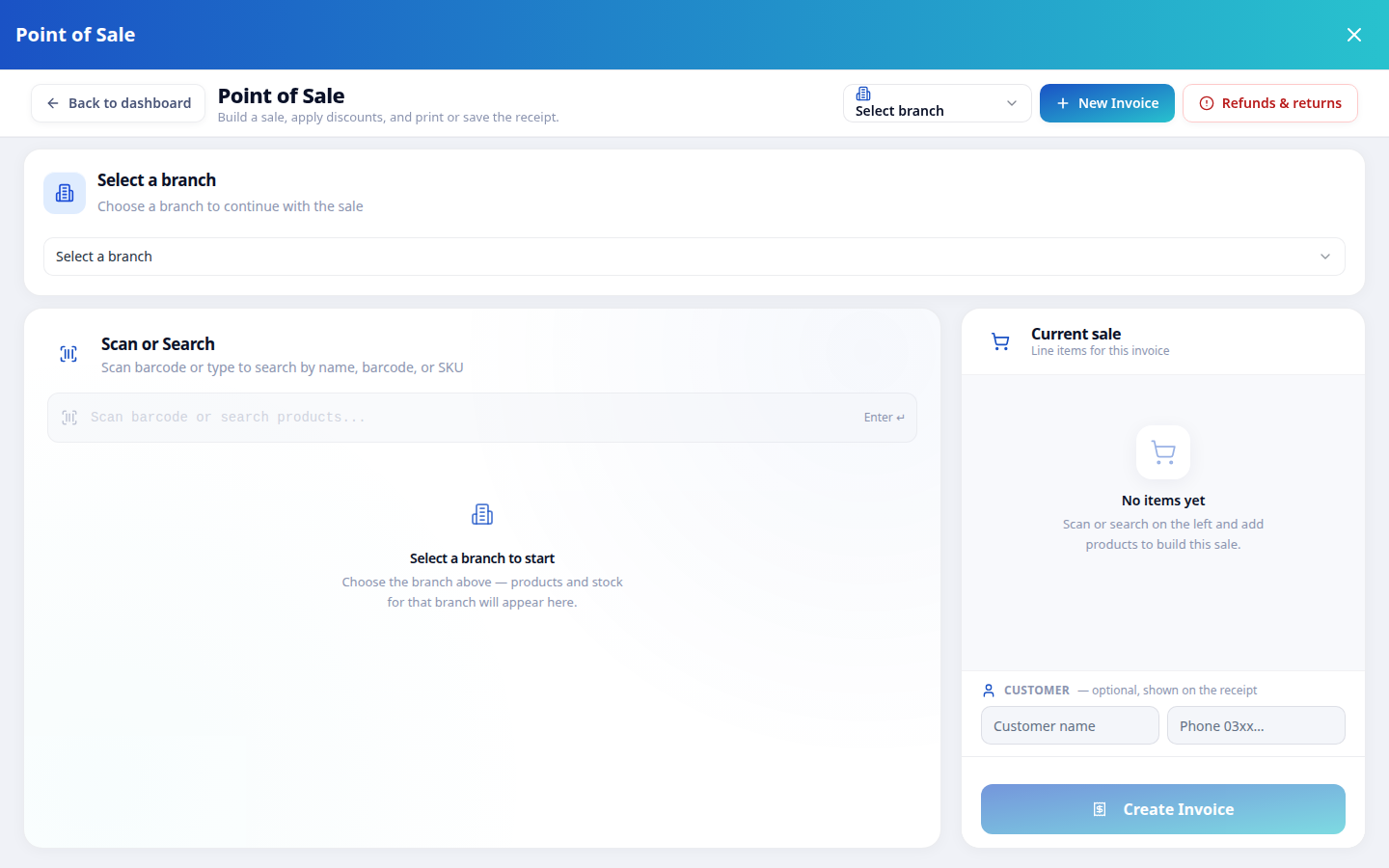
The counter is where your day is won or lost. Zapeera's register is built for speed: scan a barcode or search by name, and the right batch with the right price is already on the bill. Per-line discounts, clear totals and visible change keep the queue moving — even at rush hour.
Every payment method your customers actually use is one tap away, and the receipt can go straight to their WhatsApp.
Explore the POS in depth See which plans include the POSLarge totals, obvious next steps, expiry warnings where they matter. A new cashier can usually work the register the same day they start.
For a pharmacy, stock isn't just quantity — it's batches with expiry dates. Zapeera tracks every batch from the day it arrives: what came in, what it cost, when it expires and what's left. Selling follows FEFO — first-expiry, first-out — so the stock that expires soonest is sold first, automatically.
Near-expiry items are flagged before they become a loss on your shelf, not after.
Batch & expiry tracking in depth How batch tracking works — FAQ
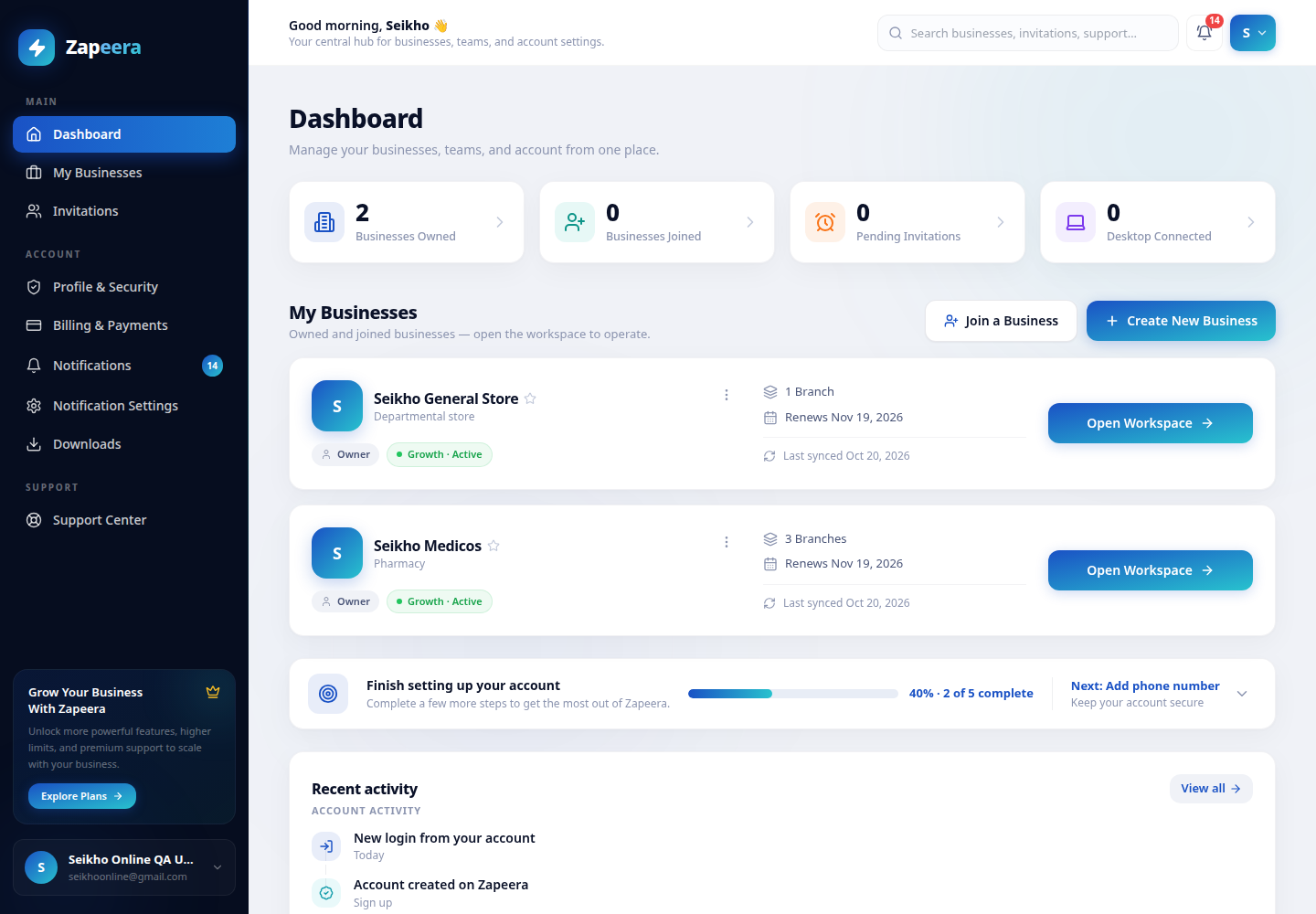
Your whole business — every branch's stock and sales — from one dashboard.
Stock doesn't appear by magic — it arrives against supplier invoices. Record purchases with or without a batch number, attach the supplier, and Zapeera updates your stock and your costs by itself. When a distributor asks "what did you take last month?", the answer is already in the system.
Accurate purchase costs are also what make your profit reports real — see below.
Inventory management in depthYour team should see their work — and nothing else. Give every staff member a role: cashiers bill and sell, managers run day-to-day operations, and reports, settings and other branches stay with the people you choose. Zapeera enforces it everywhere, on every screen, automatically.
Attendance lives in the same place, so who's in and who's out is part of the same daily picture. Read more in the staff permissions FAQ.
Staff roles & permissions in depthMost shopkeepers know their sales. Very few know their profit. Zapeera calculates profit from the actual purchase cost of the exact batch that was sold — not a guessed percentage or a fixed margin. At the end of any day, week or month, you can see what you truly earned.
Break it down by branch on multi-branch plans, and check the numbers any time — including from the Android app once it's on your phone.
Reports & analytics in depthOpening a second shop shouldn't mean a second system. Each branch in Zapeera keeps its own stock, staff and sales, cleanly separated — while you watch the whole business from one login. Growth supports up to 3 branches, Scale up to 10.
Compare branch limits by planStart free with your real stock and real sales. When you add a branch or a bigger team, move up a plan — everything you've entered carries over, nothing is re-typed. Prices are in Pakistani rupees and stay in rupees, and activation is a JazzCash or Easypaisa transfer plus a payment proof inside the app.
See plans and pricesLoad shedding and internet outages don't ask your permission. The Zapeera Windows app keeps your billing and inventory fully working with no internet at all — and the moment the connection returns, everything syncs to your cloud account on its own. Your web and mobile views are always up to date.
Get the desktop appThe newest way to run Zapeera: tap the mic in your workspace and speak. Sell items, check stock, add a product or hear today's report — in English, Urdu or Roman Urdu. Anything that changes data waits for your confirmation first, and the assistant obeys the same staff roles as everyone else.
Meet the voice assistantStart the free trial with your real stock and sales — most single shops are billing from Zapeera the same day.